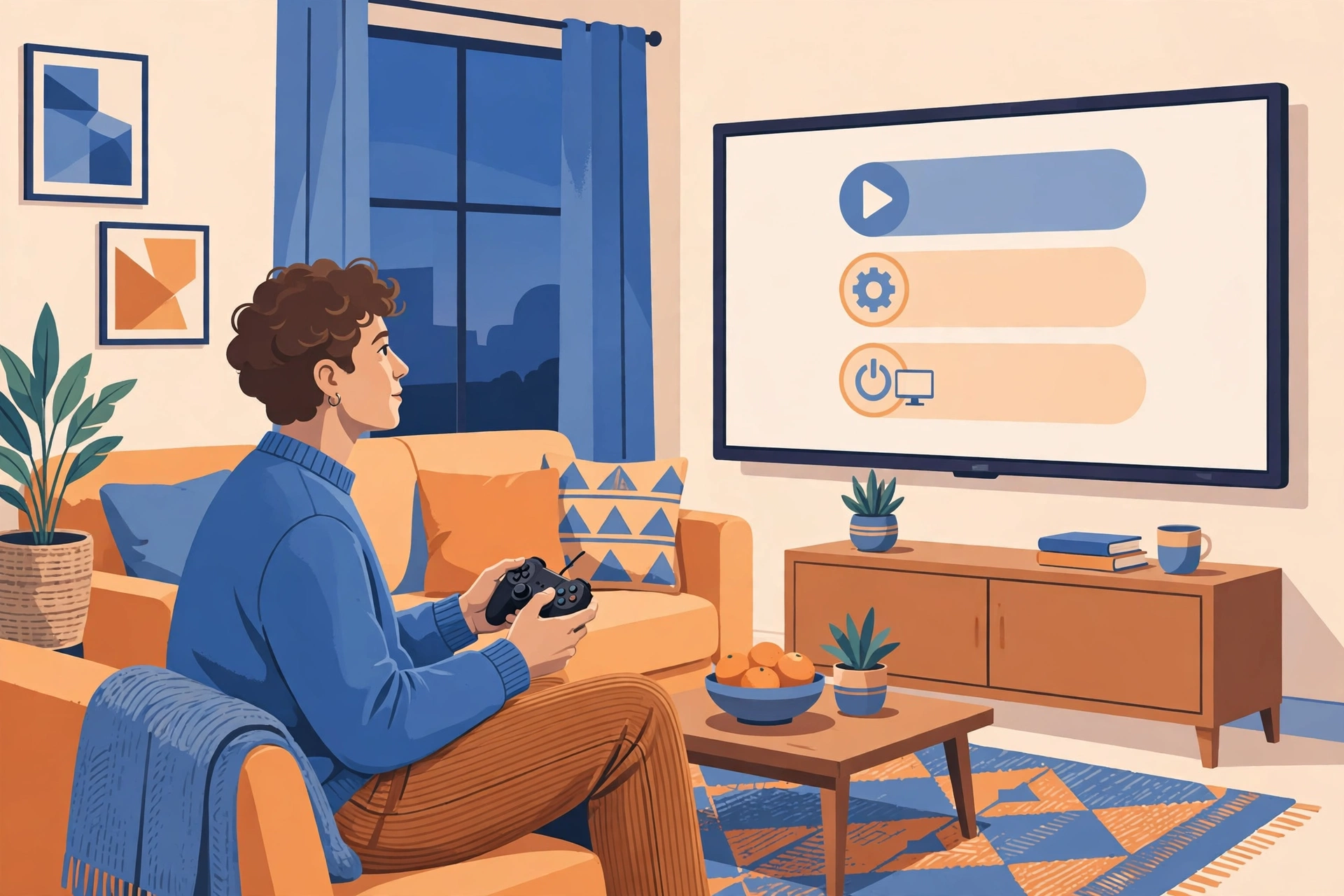
Ever played a PC game connected to the TV? Controller in hand, comfortable on the sofa, and suddenly you need to get back to the desktop. The keyboard is nowhere to be found. That is exactly what Microsoft is fixing in Windows 11.
The fix is small, but it makes a big difference if you really play with a controller. Microsoft is testing a new navigation bar in Gaming Task View, so the two things people look for most, returning to the desktop and managing power, can be reached without digging through menus first.
The gist, first
- Microsoft released a Windows 11 Insider test build on 16 October 2026.
- What changed is Gaming Task View in Xbox mode, not the regular Windows 11 everyone already uses.
- There are only two quick buttons on that bar so far: Exit to Desktop and Power Options.
- The feature is still in testing on the Beta and Experimental channels, and Microsoft has not announced when it will reach all PCs.
- This is not a new keyboard button, not a cure for a frozen PC, and it does not make games faster.
So what is Xbox mode?
Simply put, Xbox mode is Windows 11 with a console feel. The screen is full, the menus are comfortable to use with a controller, and the content revolves around your game library, Game Pass, and cloud gaming. You can turn it on via Settings, then Gaming, then Xbox mode. You can also do it through the Xbox app, Game Bar settings, or the Windows key plus F11.
For those playing on a handheld, on a laptop connected to a TV, or on a living-room PC, this mode makes sense. You no longer have to deal with a desktop full of tiny text just to play.
The problem appears when you want to exit. If the keyboard is far away, getting back to the desktop or just putting the PC to sleep feels like a chore. You have to go through layered menus first. That is where this new bar comes in.
What is new in Gaming Task View
Gaming Task View is the screen for switching between open apps and games, similar to the regular Task View but inside Xbox mode. You can open it with a controller or with the Windows key plus Tab.
In the latest test version, that screen gets its own navigation bar. It contains two buttons that are immediately visible: Exit to Desktop to return to the regular Windows desktop, and Power Options for power matters such as sleep, restart, or shutdown.
It sounds trivial, but for those playing from the sofa, it is a world of difference. No more getting up to grab the keyboard just because you want to turn off the PC. Just pick from that bar, done.
On the Experimental channel, there is one other small addition being tested in the same build: Windows Hello can make the screen brighter so face sign-in keeps working in a dark room. This is not a headline Xbox mode feature, but it connects with the experience of using a PC in a dimly lit room.
Which builds get it, and which do not yet
Reported to receive the new bar are Beta build 26220.9739 and Experimental build 26340.9750, both from 16 October 2026. There are also reports for the Release Preview channel, but the build numbers vary depending on the channel and Windows version. The point is the same: this is still a test item, not an update that immediately reaches all Windows 11 PCs.
Microsoft has not announced a general release date. Insider features can change, or even be cancelled, before reaching everyone. So do not be surprised if the final look differs a bit from what is being tested now.
If you are not an Insider participant, you will not see this bar yet. You also do not need to rush to join Insider just for this feature, unless you genuinely enjoy experimenting and are prepared for the risk of test builds that are sometimes unstable.
Do not misunderstand this feature
Some headlines make this feature sound like an emergency button. It is not. It is not a new hotkey, not a way out when the PC has already frozen, and Microsoft does not claim this feature improves game performance or adds Quick Resume support.
What is being fixed is purely navigation. The two most sought-after actions, placed where they are easiest to reach. That is all. And precisely because it is that simple, this feature is easy to use and hard to misunderstand, as long as we do not overstate it.
Who will feel this, and who will not notice much
It will be felt most by those who play on a TV, on a handheld, or on a PC whose keyboard is rarely touched. For those playing at a desk with keyboard and mouse always in front, the difference may not be very noticeable, because returning to the desktop is already easy from the keyboard.
For those on stable Windows 11 who do not join Insider, this feature is for now just news. Wait until Microsoft announces a general release schedule, and meanwhile use the old way: Windows plus F11 or via the Xbox app.
So, is it worth waiting for?
Yes, but with the right expectations. This is not a major update that changes how games are played on Windows. It is a small fix that makes Xbox mode feel more sensible for everyday use, especially from the sofa.
If Microsoft ends up releasing it without much change, it will be a good example: a feature that is not flashy, but solves a real problem players often face. If it turns out to change or slip schedule, that is also normal for an Insider feature.
Quick Q&A
Is this feature already on my Windows 11? Not yet, if you use the stable version. This feature is still being tested on the Insider Beta and Experimental channels.
Does it make games faster? No. Microsoft claims no game performance improvement from this navigation bar.
Is this a new keyboard button? No. It is a navigation bar inside Gaming Task View, with Exit to Desktop and Power Options buttons.
When will it release for everyone? Not announced by Microsoft as of this writing.
Sources
- WindowsMode, Windows 11 Insider Builds Oct 16
- VideoCardz, Microsoft updates Windows 11 Xbox mode
- WindowsForum, Windows 11 Insider Builds Add Xbox Mode Desktop Exit
- Pixel Herald, Microsoft Updates Gaming Task View in Xbox Mode
The main illustration in this article is a generated illustration, not an official Microsoft screenshot. This article was written on 1 November 2026 based on the 16 October 2026 Insider build, and Insider features may change before general release.
