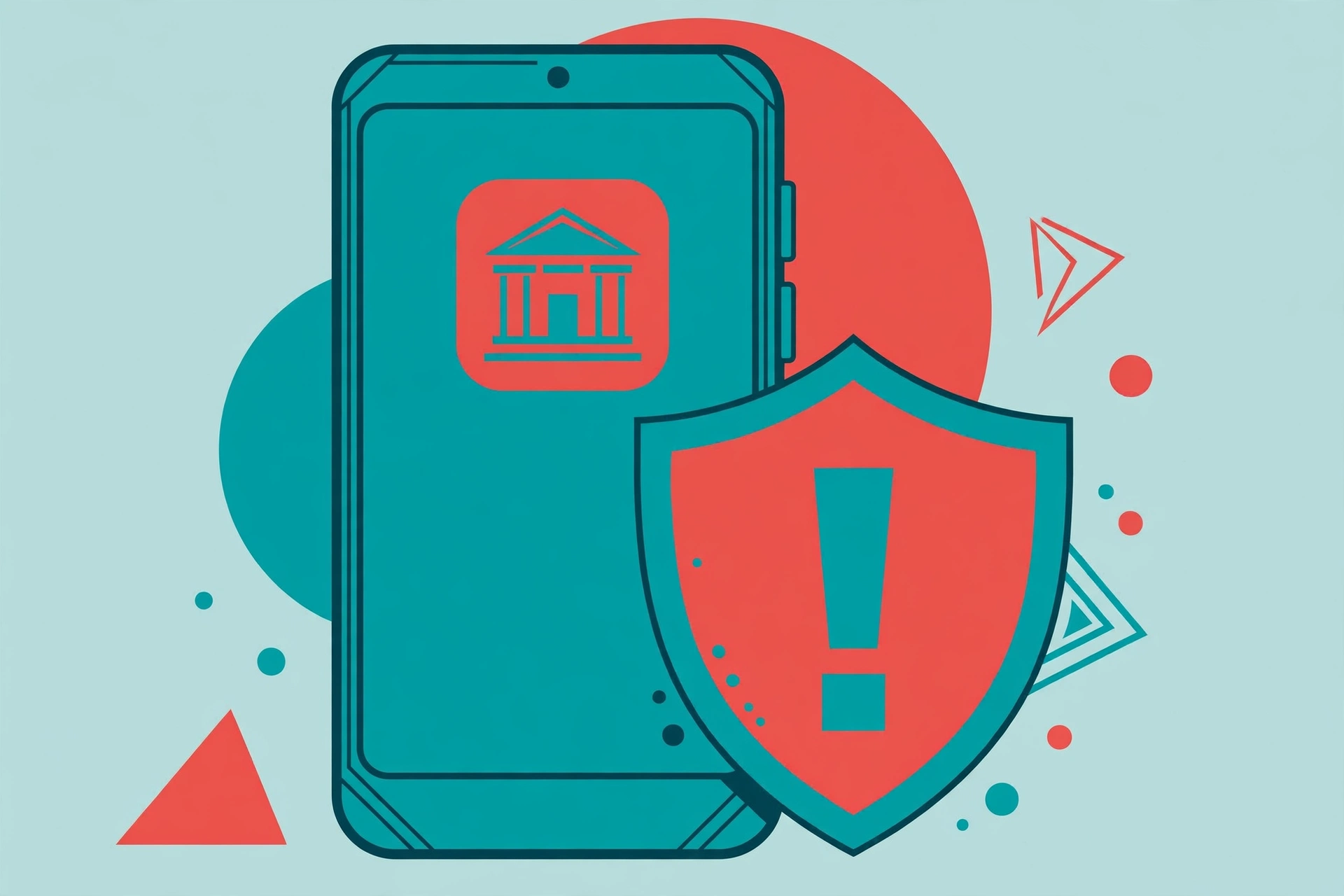
If the banking app on your phone suddenly asks to be uninstalled, then reappears in a version that looks the same, do not just tap yes. That may not be a genuine update, but how a new malware called Hirudo works.
Hirudo is getting a lot of attention because its targets are mobile banking users in Indonesia. Its method differs from ordinary banking malware that merely overlays a fake login screen. Hirudo replaces the real banking app with a modified version, so the security inside the app itself can be bypassed from within.
The gist, first
- Hirudo is a remote-access Android trojan, reported by security firm ThreatFabric on 14 October 2026.
- It targets 42 financial apps, but specially crafted replacement versions exist so far for 8 Indonesian banking apps from 7 banks.
- The banks’ names, one by one, are unconfirmed from the sources read, so this article does not list banks as if it were official.
- The number of victims is also unknown, and there is no evidence that bank systems were breached. What is attacked is the user’s phone.
- The prevention steps can be practised right away, and the risk is low if done correctly.
What is Hirudo, and why is it different?
Picture it like this. Older banking malware usually works like this: you open the real banking app, then suddenly a fake login screen appears on top of it, and without realising it you type your PIN into the fake screen. Hirudo does not play that way. It tries to replace the banking app altogether.
The replacement version, according to ThreatFabric, keeps almost all of the original app’s code, but has a hooking engine inserted, built from the open-source YAHFA and Dobby frameworks. That engine lets the fake app return the genuine certificate when asked, hide the active Accessibility service, remove screenshot restrictions, and forward Play Integrity checks to the operator’s server over plain HTTP. As a result, the security that should be inside the app stops working as it should.
ThreatFabric also found an unsecured operator backend panel containing thousands of app credential entries, plus device data, lock-screen history, and financial profiles. That illustrates how much data this operation has already collected, not a definite victim count.
How does Hirudo get onto a phone?
The way in runs through bait apps that look normal and actually work. Names mentioned in the report are Shopora for shopping, 1V1 X for adult content, and ZoyaTV and KoiShort for short dramas. Those bait apps carry Hirudo as a separate install package, which is then offered as an update inside the app.
There are also reports of fake web pages imitating the Play Store, spread through Meta ads. So it does not only come from APKs circulating on dark forums. The route can be an ad that looks convincing.
What is important to remember: Hirudo does not run by itself the moment the bait app is installed. It needs its own permissions, especially Accessibility and notifications, before it can do anything malicious. And when replacing the banking app, it still needs the user’s approval at the Android system prompt, because the replacement version uses a different signing key from the real bank, so Android will not simply overwrite the original app. The original app must be removed first, then the replacement installed with the user’s approval.
What can be stolen once it is installed?
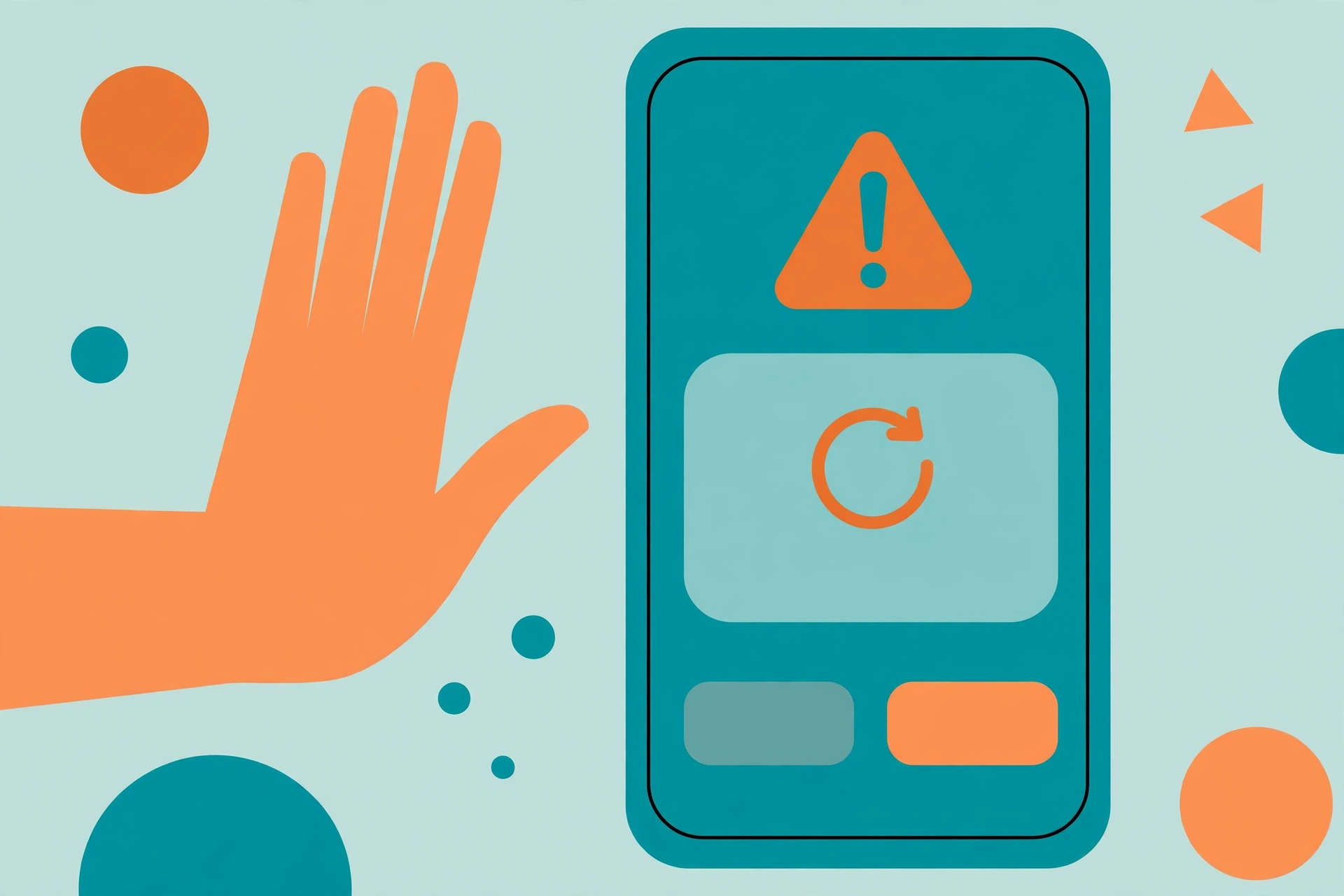
Once active, Hirudo can steal bank passwords, payment PINs, device unlock secrets, and SMS. It can also control the phone remotely in real time, take screenshots, record audio, and access both cameras, according to the ThreatFabric report cited by many media outlets.
There is also a transparent fake checkout page over the order page in the bait app. That page can capture payment PINs and return fake purchase results that look successful. That is what can make victims feel their transaction was normal, when their data has already been taken.
For those curious about AI models for cybersecurity, the difference is clear: there, AI is used to help defenders find vulnerabilities; here, malware is used to attack users through their own phones. Two sides of the same security coin, but in opposite directions.
Warning signs you must be suspicious of
First, an app that is not a bank suddenly asking for an update that leads to installing another app. Second, a banking app suddenly showing an uninstall prompt you did not request, especially followed by a new install prompt. Third, a shopping or entertainment app asking for Accessibility permission. The Accessibility feature is indeed made to help, but if used by an app that does not need it, it can be used to read the screen and tap on your behalf.
Fourth, a payment page that appears oddly, for example a checkout covering the original order page but not matching your transaction history. If even one of these signs appears, stop first. Do not continue the installation from that prompt.
Prevention steps you can practise right away
These steps are safe, do not delete data, and do not bypass your phone’s security. Do the easiest ones first.
First, download apps only from the Google Play Store or the developer’s official channel. Do not install APKs from links, ads, or sites imitating the Play Store, however similar they look.
Second, refuse Accessibility requests from shopping, video, or entertainment apps. If an app has already been granted that permission and you are unsure why it needs it, revoke it via Settings, then Accessibility, then check which apps are active there.
Third, check regularly on Android via Settings, then Security, then Google Play Protect, then run a scan. Also update your phone’s system, because system updates often close the gaps malware uses.
Fourth, if you have already entered a PIN after a suspicious prompt, do not panic but do not delay either. Remove the suspected bait app, reinstall the banking app only from the Play Store, change your PIN and password from another clean device, and contact the bank via its official number to make sure there are no odd transactions.
What you do not need to do first
Do not make a factory reset your first step. A reset can clean the phone, but it deletes data on the phone, so it is a last resort after backups are done. Start with the prevention steps and cleaning the suspected apps first, and only consider a reset if the phone still shows odd symptoms afterwards.
Also do not download antivirus apps from unclear links on the pretext of cleaning Hirudo. That could itself become a new malware entry point. Use Play Protect and official channels first.
Finally, do not assume every Android phone in Indonesia is already infected, and do not assume your phone is safe just because there are no symptoms yet. Hirudo specifically targets Indonesian banking apps, so extra caution makes sense, but excessive panic does not help.
Who is this article most important for?
Most important for those who use mobile banking every day on Android, especially if you often install apps from ads or from outside the Play Store. For those who only use their phone for chat and never install odd apps, the risk is indeed smaller, but the prevention steps above are still worth doing because they are cheap and quick.
For security teams and banking app developers, this report is also a reminder: server-side Play Integrity checks alone are not enough if responses can be forwarded and influenced from inside the app. ThreatFabric suggests server verification tied to the user session and the protected action, plus checking whether the attestation certificate has been revoked. That is the banks’ technical domain, not the user’s job, but it is good for you to know why banks need layered security.
Final verdict
Hirudo is not just phone gossip. It is a real example of how banking malware evolves: from merely mimicking a login screen, to replacing the app itself. The good news is that its entry route still needs the user’s clicks and permissions, so you still have plenty of chances to stop it early.
Hold on to three things: download only from the Play Store, refuse Accessibility from apps that do not need it, and stop if there is an uninstall or banking-app install prompt you did not request. Those three things alone close most of Hirudo’s routes.
Quick Q&A
Did Hirudo breach bank systems? There is no evidence of that. What is attacked is the user’s phone and the apps installed on it.
Have all Indonesian banks become victims? The report says replacement versions have been prepared for 8 apps from 7 banks, but the banks’ names, one by one, are unconfirmed from the sources read.
Does Hirudo run by itself without permission? No. It needs its own Accessibility and notification permissions, plus user approval at the system prompt when replacing the banking app.
Is a factory reset mandatory? Not as a first step. Do the prevention and suspected-app cleaning steps first, and make reset a last resort after backups.
Sources
- BleepingComputer, Hirudo Android malware replaces banking apps to evade security checks
- The Hacker News, Hirudo Android Trojan Uses Patched Banking Apps to Bypass Their Built-In Security Checks
- Security Affairs, Hirudo Android Trojan Replaces Banking Apps to Steal Credentials
- NeoTeo, Hirudo Android malware: how it replaces bank apps
Images in this article are generated illustrations, not actual screenshots of the malware or banking apps. This article was written on 1 November 2026 based on the ThreatFabric report of 14 October 2026 and news coverage citing it, and the names of imitated banks are not written because they are unconfirmed one by one from the sources read. Images from the original licensed sources were not available for this topic without risk of misleading, so illustrations are used with clear captions.
